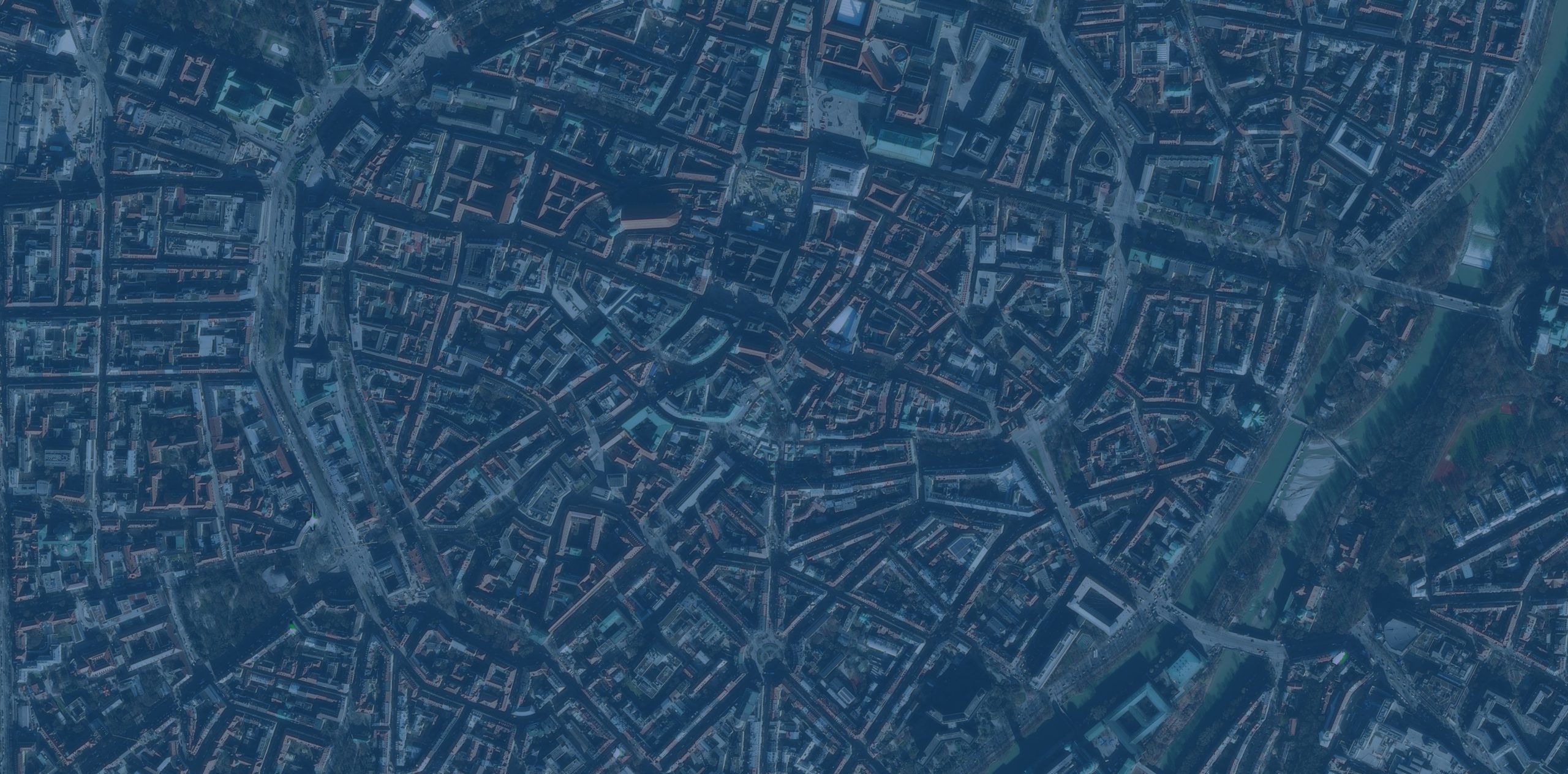

A recent customer call reminded me that there is always value in refreshing some of the basics. Moving 2D vector and point data from ArcGIS Pro to Rhino is not a complex task, but if steps are missed things can “land” in the wrong place.最近的一个客户来电提醒我,重温一些基础知识总是有价值的。将二维矢量和点数据从ArcGIS Pro转移到Rhino并非复杂的任务,但如果漏掉某些步骤,数据可能会“落”在错误的位置。
Attention to Coordinate Systems 关注坐标系
First, there is the coordinate system your ArcGIS Pro Map is set to. Second, each Data Layer in your Map has its own coordinate system.首先,是您的ArcGIS Pro地图所设置的坐标系。其次,您地图中的每个数据层都有其自身的坐标系。
![图片[1]-ArcGIS Pro与Rhino之间二维数据迁移的提示与技巧-ArcGIS论坛-软件-CityEngine城市引擎](https://www.esri.com/arcgis-blog/wp-content/uploads/2026/01/WordPress_Image-02-1-scaled.jpg)
When you Export to CAD data from ArcGIS Pro make sure to set under Environments a consistent Output Coordinate System for all your exports. If the coordinate systems do not match, the data will not align or have the same scale in Rhino.当你从ArcGIS Pro中导出CAD数据</b0时,确保在环境下为所有导出设置一致的输出坐标系</b2。如果坐标系不匹配,数据在Rhino中将无法对齐或具有相同的比例。
It is important to document the Output Coordinate System you used for exporting your data from ArcGIS Pro. This will be a crucial piece of information for future collaborators who might want to work on the same design files and add additional data.记录你在从ArcGIS Pro导出数据时使用的输出坐标系非常重要。对于未来可能想要处理相同设计文件并添加额外数据的合作者来说,这将是一项关键信息。
Matching Measurement Units 匹配测量单位
Make sure the units of your Rhino model match the units of the Coordinate System you used for exporting your data from ArcGIS Pro.请确保你的Rhino模型单位与你从ArcGIS Pro导出数据时使用的坐标系单位一致。
![图片[2]-ArcGIS Pro与Rhino之间二维数据迁移的提示与技巧-ArcGIS论坛-软件-CityEngine城市引擎](https://www.esri.com/arcgis-blog/wp-content/uploads/2026/01/WordPress_Image-03-scaled.jpg)
If the geometry you imported into Rhino appears distorted, it is placed too far from Rhino’s XYZ Zero origin. For a workaround, set your Rhino layout units to a larger class. For example, if you export from ArcGIS Pro with a Coordinate System that uses meters, set your model to kilometers.如果导入到Rhino中的几何图形出现变形,说明它放置的位置距离Rhino的XYZ零点原点过远。作为一种解决方法,可以将Rhino的布局单位设置为更大的类别。例如,如果从ArcGIS Pro导出的坐标系使用米,那么将模型单位设置为千米。
Attention to measurement units is also important for the attributes of your data. If your design model is set in Meters make sure you are not exporting contours with elevation information set in Feet.注意计量单位对于数据的属性也很重要。如果您的设计模型以米为单位,确保导出的等高线的高程信息单位不是英尺。
Data Attributes can be Visualized on the Z Axis数据属性可在Z轴上可视化
You are probably familiar with this functionality when exporting contours. Contours from ArcGIS Pro into Rhino will be automatically “placed” on the Z axis at the elevation of each contour. But what happens when you want to represent other information such as buildings with heights or even median income values?你可能对导出等高线时的这一功能很熟悉。从ArcGIS Pro导出到Rhino的等高线会自动在Z轴上“放置”在每条等高线的高程处。但是,当你想要呈现其他信息时,比如有高度的建筑物,甚至是收入中位数,会发生什么呢?
Those datasets can be configured in ArcGIS Pro to have a Z value position in Rhino. You will need to create in ArcGIS Pro a new Attribute field named “Elevation” and calculate for that field the value you want to represent on Rhino’s Z axis. For example, you can set building footprints to be placed in Rhino on the appropriate building height of each building.这些数据集可以在ArcGIS Pro中进行配置,使其在Rhino中具有Z值位置。你需要在ArcGIS Pro中创建一个名为“Elevation”的新属性字段,并为该字段计算你想要在Rhino的Z轴上表示的值。例如,你可以设置建筑物的足迹在Rhino中放置在每个建筑物相应的建筑高度上。
![图片[3]-ArcGIS Pro与Rhino之间二维数据迁移的提示与技巧-ArcGIS论坛-软件-CityEngine城市引擎](https://www.esri.com/arcgis-blog/wp-content/uploads/2026/01/WordPress_Image-04-scaled.jpg)
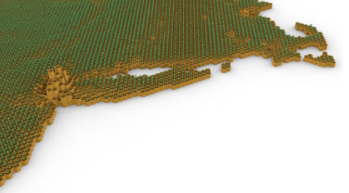
You can even experiment with other datasets too. For example, use a Reference Size Map of population density and tree canopy coverage.你甚至也可以尝试使用其他数据集。例如,使用人口密度和树冠覆盖率的参考尺寸图。
![图片[4]-ArcGIS Pro与Rhino之间二维数据迁移的提示与技巧-ArcGIS论坛-软件-CityEngine城市引擎](https://www.esri.com/arcgis-blog/wp-content/uploads/2026/01/WordPress_Image-05-scaled.jpg)
The workflow can make a full loop 该工作流程可以形成一个完整的循环。
You can import design edits back into ArcGIS Pro. Edits in 2D vectors can be exported as a .dwg file from Rhino and imported into ArcGIS Pro. For example, you can leverage surface points or contours to bring landscape edits into ArcGIS Pro and analyze the proposed interventions.你可以将设计编辑内容导回ArcGIS Pro。二维矢量图中的编辑内容可以从Rhino导出为.dwg文件,再导入ArcGIS Pro。例如,你可以利用表面点或等高线将景观编辑内容导入ArcGIS Pro,并分析拟议的干预措施。
![图片[5]-ArcGIS Pro与Rhino之间二维数据迁移的提示与技巧-ArcGIS论坛-软件-CityEngine城市引擎](https://www.esri.com/arcgis-blog/wp-content/uploads/2026/01/WordPress_Image-06-scaled.jpg)
If you follow these tips you shouldn’t come across any geolocation issues when moving data between ArcGIS Pro and Rhino.如果遵循这些提示,在 ArcGIS Pro 和 Rhino 之间传输数据时,你应该不会遇到任何地理定位问题。





没有回复内容